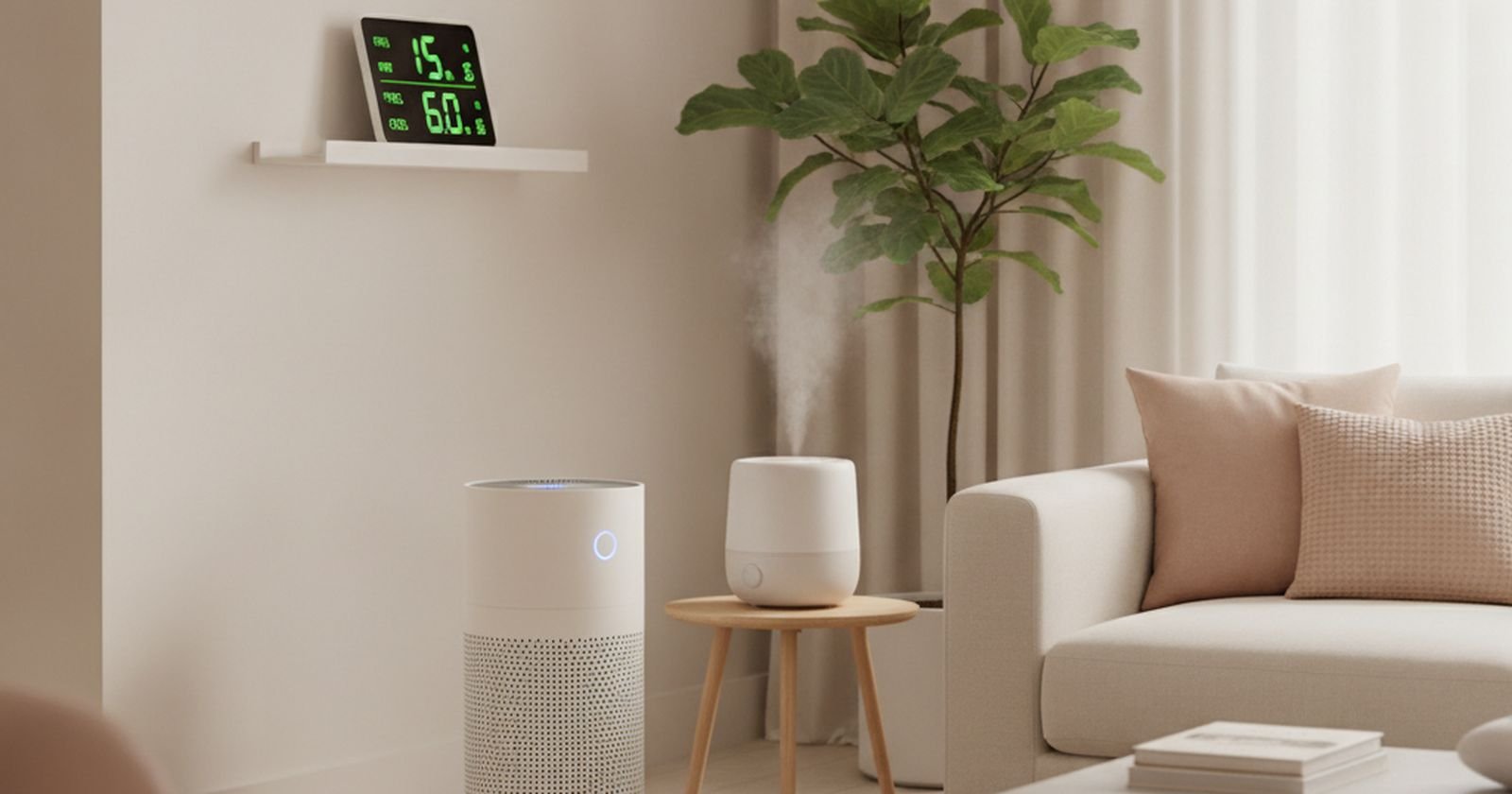
The smart home has a credibility problem, and it earned it. For a decade the pitch was that you would talk to your lights, and the reality was an app for every socket, a hub that stopped being supported, and a light switch your guests could not work out.
What changed is Matter and Thread — a shared standard that finally lets devices from different brands talk to each other without a pile of bridges. It is not perfect, but it means a purchase made today has a reasonable chance of still working in five years, which was not true before.
So the test here is simple: does it save real time or real money, and will it survive its manufacturer losing interest. Where a category fails that test, we say so rather than filling the slot.
Prices are approximate at the time of writing and move a lot on sale.
The short version
Ecobee or Nest Learning Thermostat
The one that pays for itself
Disclosure. The links on this page are affiliate links. If you buy through one we may earn a commission at no extra cost to you. It does not affect what makes this list or the order it is in.
How we picked
We favour devices that speak Matter or Thread over ones locked to a single brand's cloud, because cloud shutdowns are the main way smart home gear dies. We weigh long-term owner reports and manufacturer support history heavily. We have not personally installed every product here, and where a category is genuinely not worth the money yet we leave it out and explain why in the questions at the end.
At a glance
Prices are approximate at the time of writing and change often.
The picks
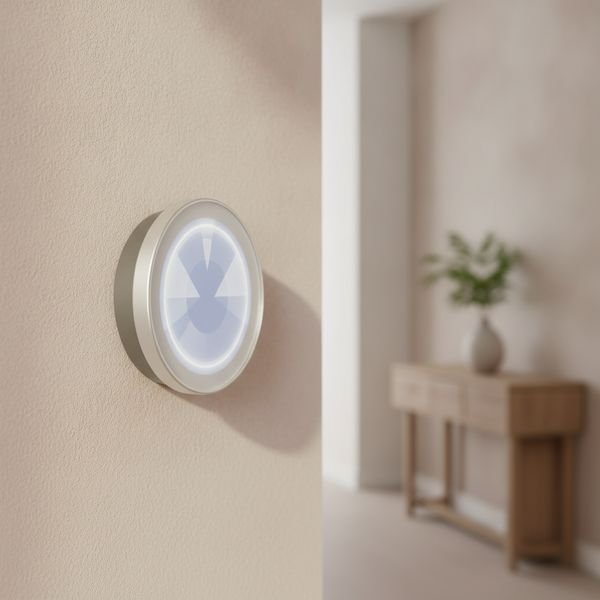
01 · The one that pays for itselfEcobee or Nest Learning Thermostat
Heating and cooling is the largest energy line in most homes, which makes the thermostat the only smart device with a credible payback argument. The saving does not come from talking to it — it comes from the schedule and from remote sensors that stop the system heating an empty room while the occupied one stays cold. Ecobee ships those sensors in the box, which is the practical advantage over Nest. Two honest limits: if your home is small and single-zone the saving is modest, and if you rent, check whether you are allowed to swap the unit at all.
$130–250Trade-off: Modest payback in small single-zone homes
Why it is here
- Real, measurable energy saving
- Remote sensors fix uneven heating
- Works from your phone when plans change
Worth knowing
- Modest payback in small single-zone homes
- May need professional wiring, and landlord permission

02 · Best lighting, at a pricePhilips Hue starter kit (bridge + bulbs)
Hue is the expensive option and it is still the one to buy, because lighting is where reliability matters most — a bulb that takes two seconds to respond, or fails once a week, is worse than a dumb switch. The bridge is what buys that reliability: it runs the lights locally over Zigbee rather than routing every command through the internet. Where the real value shows is scheduling, not colour. Lights that shift warm in the evening and come up gradually in the morning change how a room feels far more than any party scene ever will.
$130–200Trade-off: Considerably pricier than competing bulbs
Why it is here
- Fast and reliable — responds like a switch
- Local control, works when the internet is down
- Huge range of fittings and shapes
Worth knowing
- Considerably pricier than competing bulbs
- The bridge is another box to find a socket for
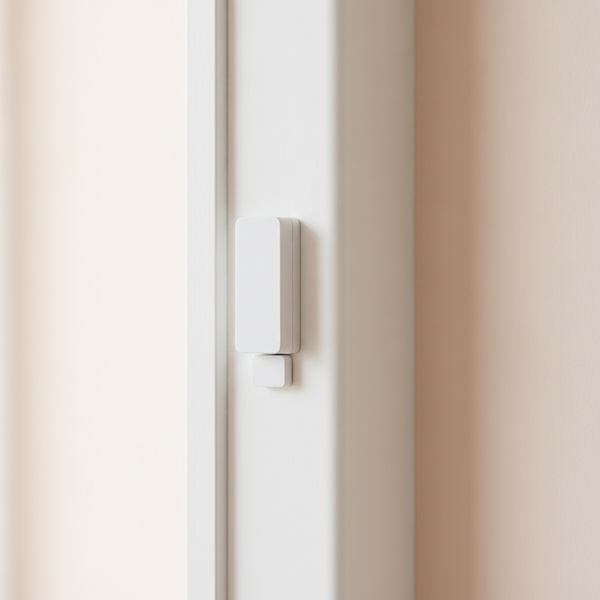
03 · Cheapest thing that makes the rest usefulAqara or Eve door and window sensors
Automations are only as good as what the house knows about itself, and contact sensors are the cheapest way to give it useful facts. A door sensor is what turns the hall light on when you come in, tells you the back door has been open for twenty minutes in winter, and warns you the garage never closed. None of that requires a camera or a subscription. Buy Thread or Zigbee versions rather than Wi-Fi ones — Wi-Fi sensors chew batteries and crowd your network, and you may end up with a dozen of these.
$15–30 eachTrade-off: Useless on their own — they need something to trigger
Why it is here
- Very cheap, and they enable everything else
- Batteries last a year or more on Thread or Zigbee
- No camera, no subscription, no privacy trade
Worth knowing
- Useless on their own — they need something to trigger
- Adhesive mounting can fail on textured surfaces
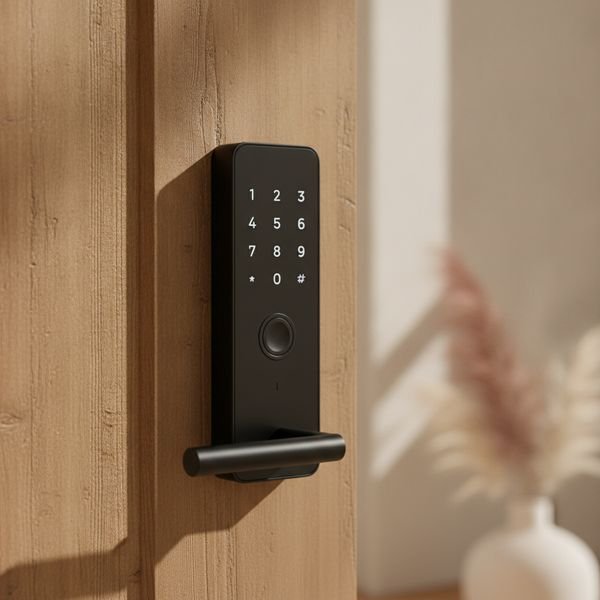
04 · Biggest daily convenienceAqara U100 or Yale Assure Lock 2
The smart lock is the device people are most sceptical about and end up using most, because it removes a small friction that occurs several times a day. Handing a cleaner or a guest a temporary code instead of cutting a key is the feature that converts people. Insist on two things: a physical key override, and standard AA batteries rather than a proprietary pack. Check your door before buying — these fit standard deadbolts, and European multipoint locks or unusual Israeli door hardware often need a different model entirely, so measure first.
$180–300Trade-off: Fit is genuinely not universal — measure your door
Why it is here
- Temporary codes instead of spare keys
- Auto-lock removes a recurring worry
- Physical key still works as a fallback
Worth knowing
- Fit is genuinely not universal — measure your door
- Battery failure locks you out unless you carry a key
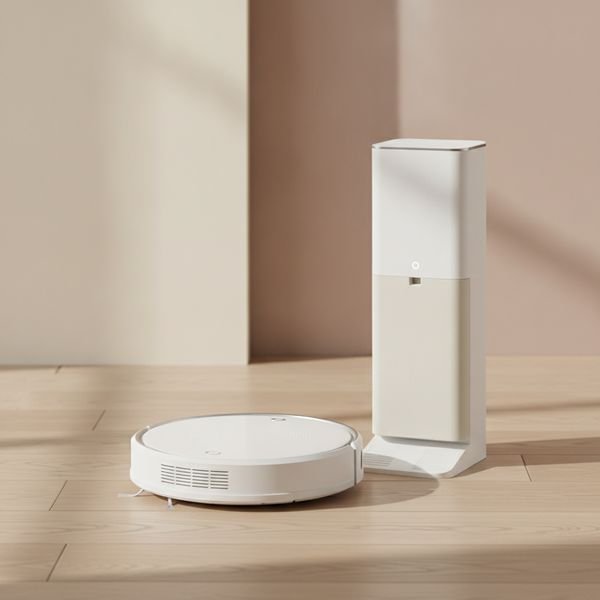
05 · Best time saved per shekelRoborock or Dreame robot vacuum with self-empty
This is the appliance that buys back the most time, provided you buy the right tier. The two features that matter are lidar mapping, so it cleans in rows rather than bouncing randomly, and a self-emptying dock, so you handle dust every few weeks rather than every day. Below roughly $400 you generally lose one or both and the novelty wears off fast. Be realistic about what it replaces: it handles daily maintenance beautifully and does not replace a proper clean. It also needs a tidy floor, so it quietly enforces a habit — which some people count as a feature.
$400–900Trade-off: Cheap models are a false economy
Why it is here
- Genuinely reclaims hours every month
- Lidar mapping means systematic, complete coverage
- Self-empty dock reduces contact with dust
Worth knowing
- Cheap models are a false economy
- Cannot handle clutter, cables or deep cleaning
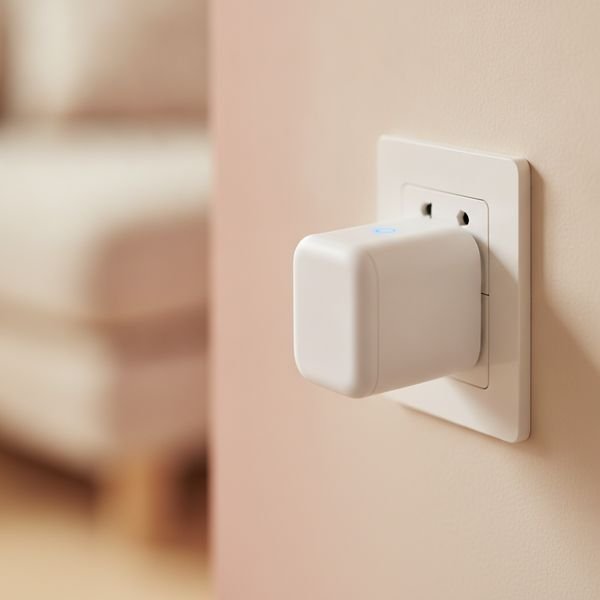
06 · Best starting pointEve Energy or TP-Link Tapo smart plugs
A smart plug is the cheapest way to find out whether you actually want a smart home. It makes a dumb lamp, fan or heater schedulable, and the models with energy monitoring answer a question most people are guessing at — which appliance is quietly costing the most. That measurement is often more valuable than the automation. Get Matter-compatible plugs so they work with whatever assistant you end up using, and avoid unbranded ones: this is a device that carries mains current and lives in your wall for years.
$15–40 eachTrade-off: Bulky ones block the second socket
Why it is here
- Cheapest way to test the whole idea
- Energy monitoring finds expensive appliances
- Makes existing dumb devices schedulable
Worth knowing
- Bulky ones block the second socket
- Not a place to save money on an unknown brand
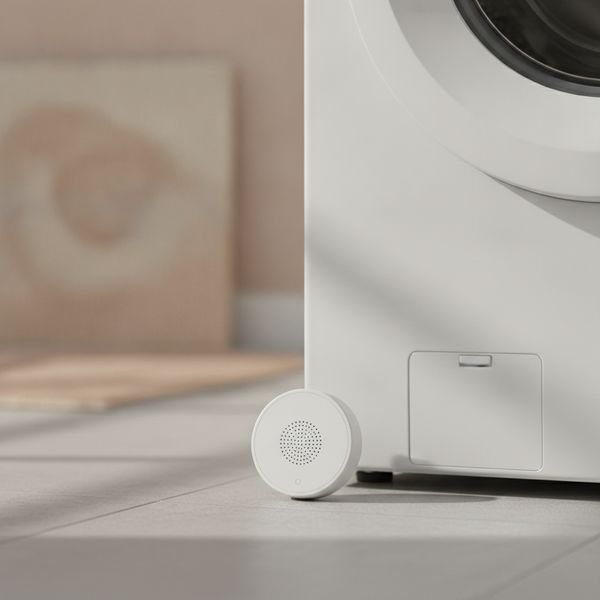
07 · Best insurance for the moneyAqara water leak sensor
A twenty dollar puck under the washing machine, the boiler and the sink is the highest return-per-shekel item on this page, and nobody buys it until after their first flood. Water damage is slow, expensive and usually discovered far too late — behind an appliance, into a floor, through a ceiling. These sit flat, run for a year or two on a coin cell, and scream and notify your phone the moment they get wet. There is no ongoing cost and nothing to maintain. If you buy one thing from this list, and you have never had a leak, buy this one anyway.
$15–25 eachTrade-off: Only covers the exact spot you place it
Why it is here
- Trivially cheap against the damage it prevents
- Long battery life, zero maintenance
- Local alarm works even without the app
Worth knowing
- Only covers the exact spot you place it
- Needs a hub or Thread border router for phone alerts
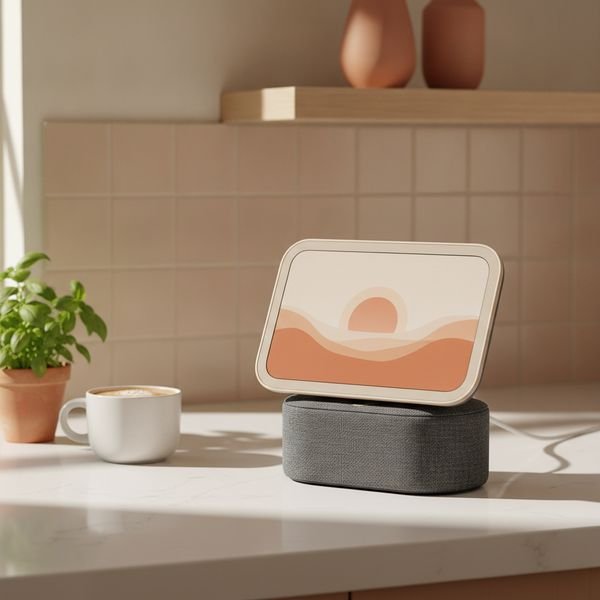
08 · Best hub, with reservationsEcho Show 8 or Nest Hub
A smart display earns its place in a kitchen, where hands are busy and a timer, a recipe and a camera feed on one screen genuinely help. Many of these units also act as a Thread border router or Zigbee hub, which quietly saves you buying a separate bridge. The reservation is real, though: this is a microphone and a camera in a room you live in, sold at a low margin because the business model is elsewhere. If that trade bothers you, cover the camera, mute the mic when not in use, or buy a display-free hub instead — that is a legitimate choice, not paranoia.
$90–150Trade-off: A camera and always-on mic in a living space
Why it is here
- Genuinely useful in a kitchen
- Often doubles as a Thread or Zigbee hub
- Cheap, and frequently discounted
Worth knowing
- A camera and always-on mic in a living space
- Ad and upsell prompts on the home screen
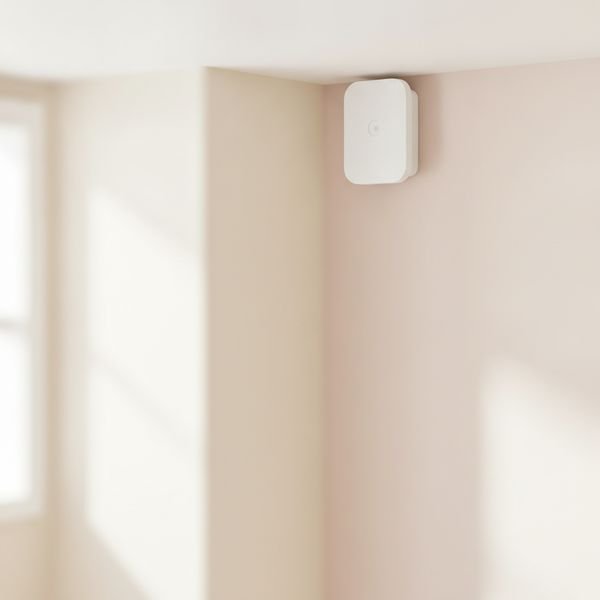
09 · The upgrade over motion sensorsAqara FP2 presence sensor
The reason smart lighting annoys people is that motion sensors detect motion, not presence — so the lights go out while you are reading, sitting still, or in the bath. Millimetre-wave presence sensors detect breathing and micro-movement, so they know the room is occupied even when nothing is moving. That single distinction is what makes automated lighting stop being irritating. It is more expensive than a motion sensor and needs mains power and a careful mounting position, so treat it as a fix for the one or two rooms where the lights keep failing you, not as something to install everywhere.
$70–90Trade-off: Needs mains power and careful placement
Why it is here
- Detects presence, not just movement
- Ends the 'lights went out on me' problem
- Can define zones within one room
Worth knowing
- Needs mains power and careful placement
- Several times the price of a motion sensor
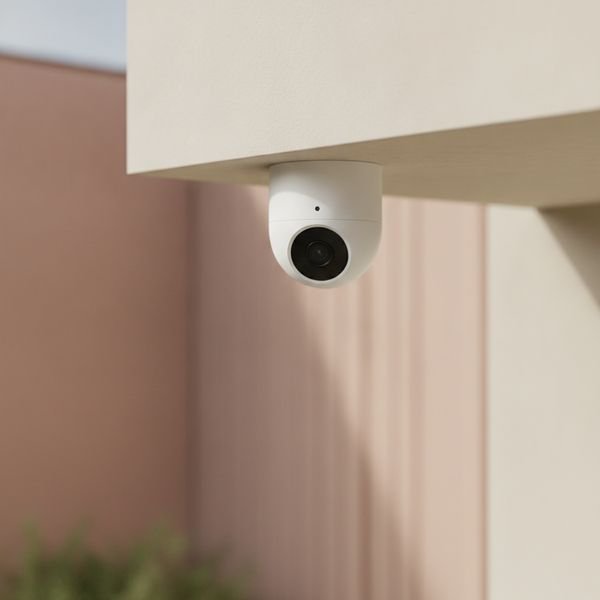
10 · Best camera without a subscriptionEufy or Reolink local-storage camera
Most security cameras are sold cheap and monetised through a monthly plan, and if you stop paying you often lose recording entirely. Cameras that record to a local card or a base station avoid that, so you own the footage and there is no recurring bill. Look for local recording, on-device person detection so you are not alerted by every passing cat, and RTSP support if you ever want to run your own recorder. Point them at entrances and outdoor spaces rather than inside living areas, and check the rules where you live — recording shared entrances or a neighbour's property has legal limits in most places.
$60–200Trade-off: Higher upfront cost than subscription models
Why it is here
- No monthly fee, and you keep the footage
- On-device detection cuts false alerts
- Keeps working if the vendor's cloud goes away
Worth knowing
- Higher upfront cost than subscription models
- Legal limits on what you may record — check locally
Common questions
What is Matter, and do I need to care?
It is a shared standard that lets devices from different brands work together and be controlled by any major assistant. You should care mainly because it protects you from buying into a brand that later shuts its servers down.
What smart home gear would you skip?
Smart fridges, smart microwaves and most smart taps — the intelligence adds cost and failure modes to an appliance you keep for fifteen years. Also smart blinds unless you have a specific sun or accessibility problem, given the installation cost.
Will any of this still work if my internet goes down?
Devices on Zigbee, Thread or a local hub mostly keep working, including schedules. Anything that depends on a manufacturer's cloud generally stops. That is the single best reason to prefer local control when you have the choice.
I rent. What can I install?
Plugs, bulbs, sensors and a robot vacuum all install without changing anything permanent. Thermostats and locks usually need permission, though some locks replace only the interior side and leave the existing cylinder and key untouched.
Today's deals
See what is discounted right now.
Deals →← All guides
As an AliExpress affiliate we earn from qualifying purchases. Prices and availability are accurate as of the date of publication and may change.