Home security often comes across as an all-encompassing solution, but it is typically designed to deter casual opportunists or provide evidence after an event. It rarely prevents determined break-ins. The core components are cameras, door and window sensors, and smart locks. Each of these has its own set of trade-offs, particularly concerning privacy and ongoing costs. Do not expect a smart system to replace basic vigilance or physical deterrents like sturdy doors, strong locks, and good outdoor lighting.
The most common trap in home security is the subscription model. Many devices offer only limited functionality without a monthly fee, pushing users into a recurring expense. Features like cloud storage for camera footage, advanced motion detection, and professional monitoring are frequently paywalled. Consider if the so-called "smart" features are truly worth the ongoing cost, or if a simpler, local solution might be more appropriate. Your data, especially camera footage, often resides on company servers, raising questions about who can access it and for how long.
The short version
Aqara Contact Sensor P2
Know when doors open
Disclosure. The links on this page are affiliate links. If you buy through one we may earn a commission at no extra cost to you. It does not affect what makes this list or the order it is in.
How we picked
We looked for widely available home security products known for their reliability and clear functionality. This guide focuses on devices that offer a good balance of features for their price, acknowledging their limitations and the associated privacy implications. We specifically considered products that provide options for local data storage or have transparent policies regarding data handling. These are not hands-on reviews. Our recommendations are based on publicly available information and common user experiences.
At a glance
Prices are approximate at the time of writing and change often.
The picks
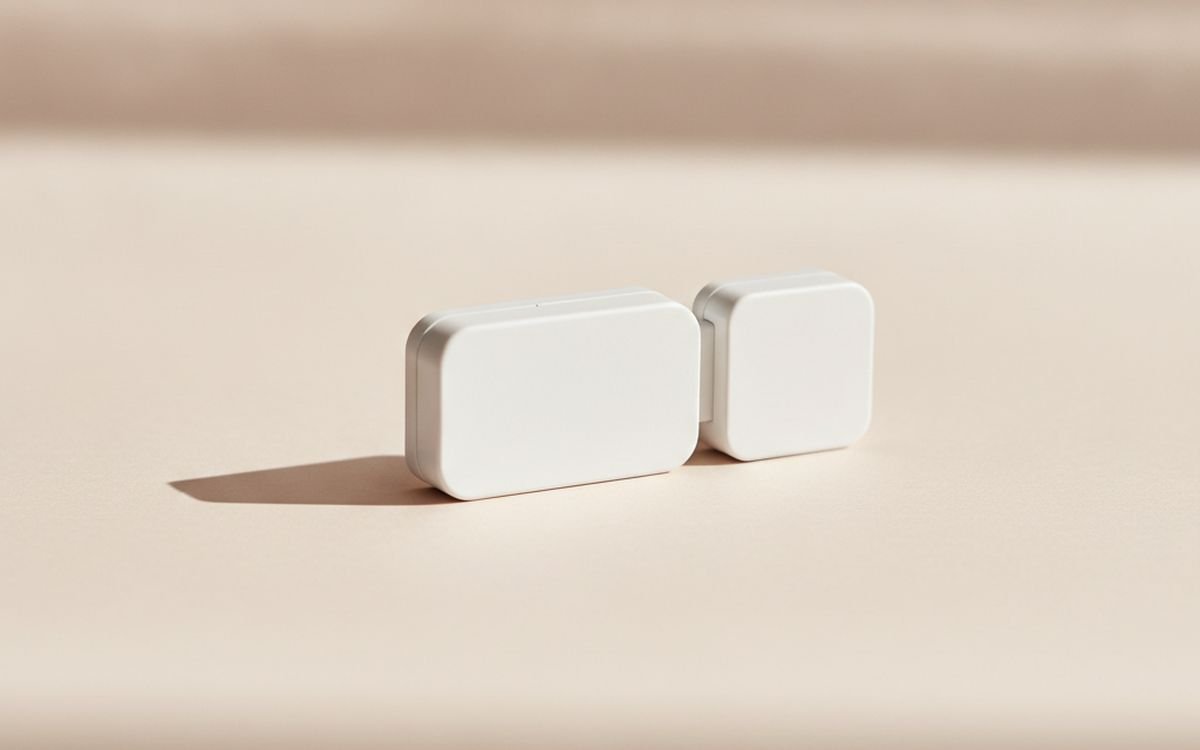
01 · Know when doors openAqara Contact Sensor P2
This small sensor detects if a door or window is open or closed using a magnetic contact, acting as a crucial first line of defense. It is a fundamental component for any home security setup, providing immediate alerts when an entry point is breached. The P2 model offers connectivity via Zigbee or Thread, providing flexibility for integration into various smart home ecosystems. It does require an Aqara hub or a compatible Thread border router to function properly, which enables local processing of alerts for status updates without constant reliance on external cloud services. This approach minimizes the data leaving your home network. Notifications can be configured to send alerts to your phone, and the sensor can also trigger other automated smart home actions, such as turning on specific lights or activating a local siren. This device offers a simple, effective layer of detection for sensitive entry points, contributing to a robust security strategy.
$25-40Trade-off: Requires a compatible hub
Why it is here
- Reliable open/close detection
- Supports local hub control
- Long battery life
Worth knowing
- Requires a compatible hub
- Limited to entry point detection
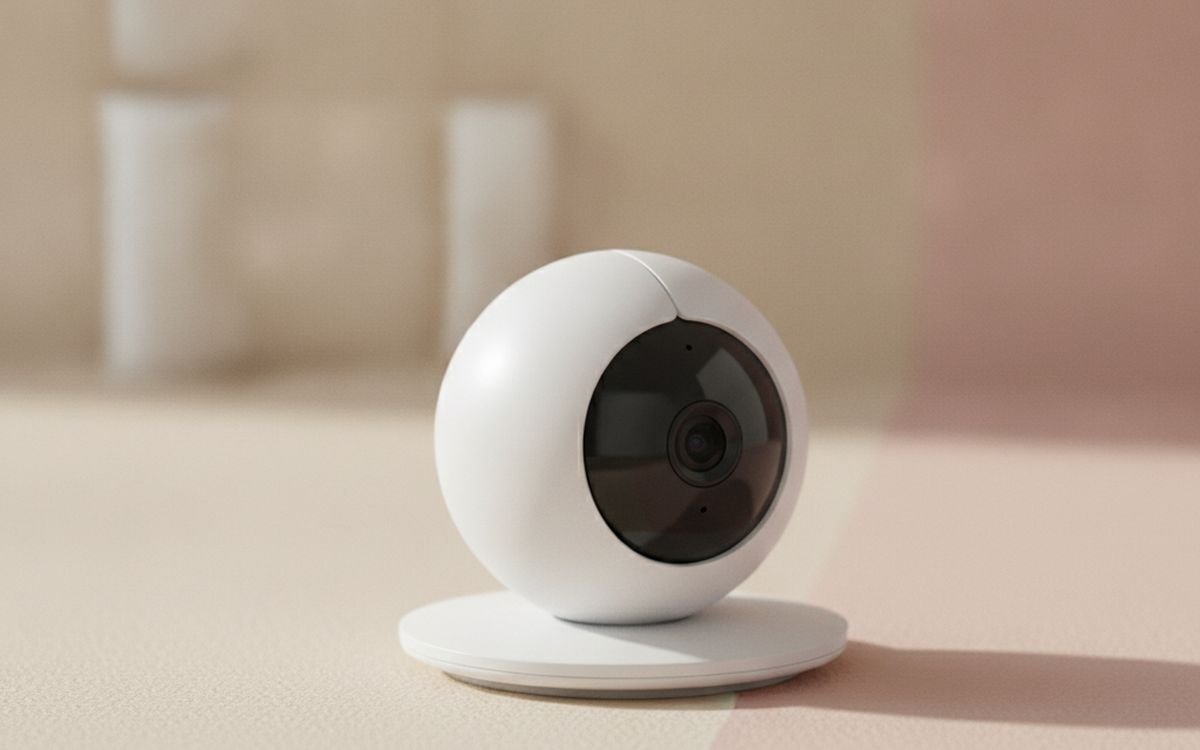
02 · Camera with local storageEufy SoloCam C24
The Eufy SoloCam C24 is a 2K resolution indoor camera designed for straightforward monitoring without a mandatory subscription. A key feature is its local storage capability via a microSD card, which means your video recordings are kept within your home network. This significantly reduces privacy concerns often associated with cloud-based storage services that many competitors rely on, pushing you into recurring monthly fees for basic playback functionality. The camera includes robust motion detection and offers two-way audio communication. You can easily view the live feed and access recorded clips directly through the Eufy app on your smartphone. While this particular model lacks pan-and-tilt capabilities, its fixed wide-angle lens generally provides sufficient coverage for most indoor rooms. Setup is relatively simple, connecting directly to your home Wi-Fi network. This camera stands out as a practical option for maintaining a degree of privacy while adding security.
$40-60Trade-off: No pan-and-tilt
Why it is here
- No mandatory subscription
- Local microSD card storage
- 2K video resolution
Worth knowing
- No pan-and-tilt
- Relies on Eufy app and servers for some features
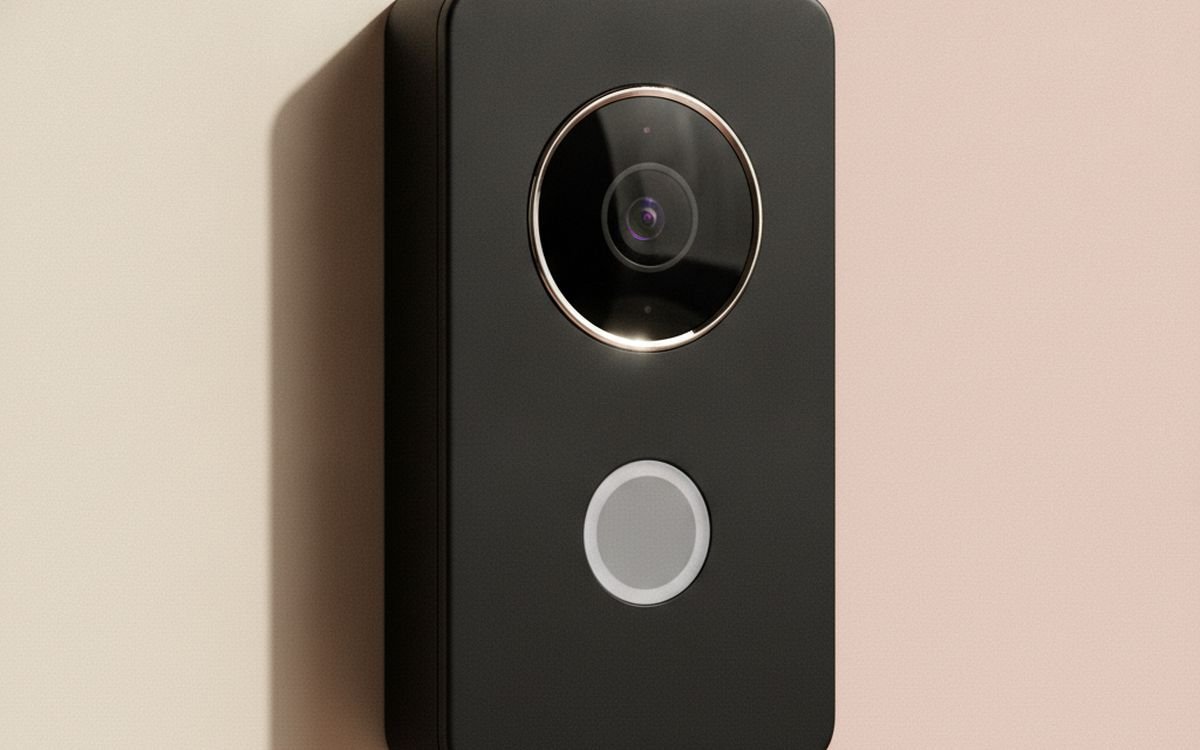
03 · See who is at the doorEufy Video Doorbell 2K (Wired)
This wired video doorbell from Eufy provides 2K resolution and a wide field of view, delivering clear footage of your doorstep activities. A primary advantage, consistent with the Eufy approach, is its emphasis on local storage. It utilizes 4GB of built-in storage to keep recordings directly on the device, eliminating the need for forced subscriptions just to access your video history. The doorbell requires existing low-voltage doorbell wiring for power, which ensures continuous operation without the need for periodic battery changes or recharges. Key features include reliable motion detection, advanced human detection algorithms to reduce false alarms, and two-way audio, allowing you to communicate with visitors remotely via your smartphone. While video data remains local, the app and certain notification services still rely on communication with Eufy's cloud servers. This setup offers a balance of smart features with a stronger focus on local data handling.
$150-200Trade-off: Requires existing doorbell wiring
Why it is here
- Local video storage
- High 2K resolution
- No battery to charge
Worth knowing
- Requires existing doorbell wiring
- Not fully isolated from cloud services
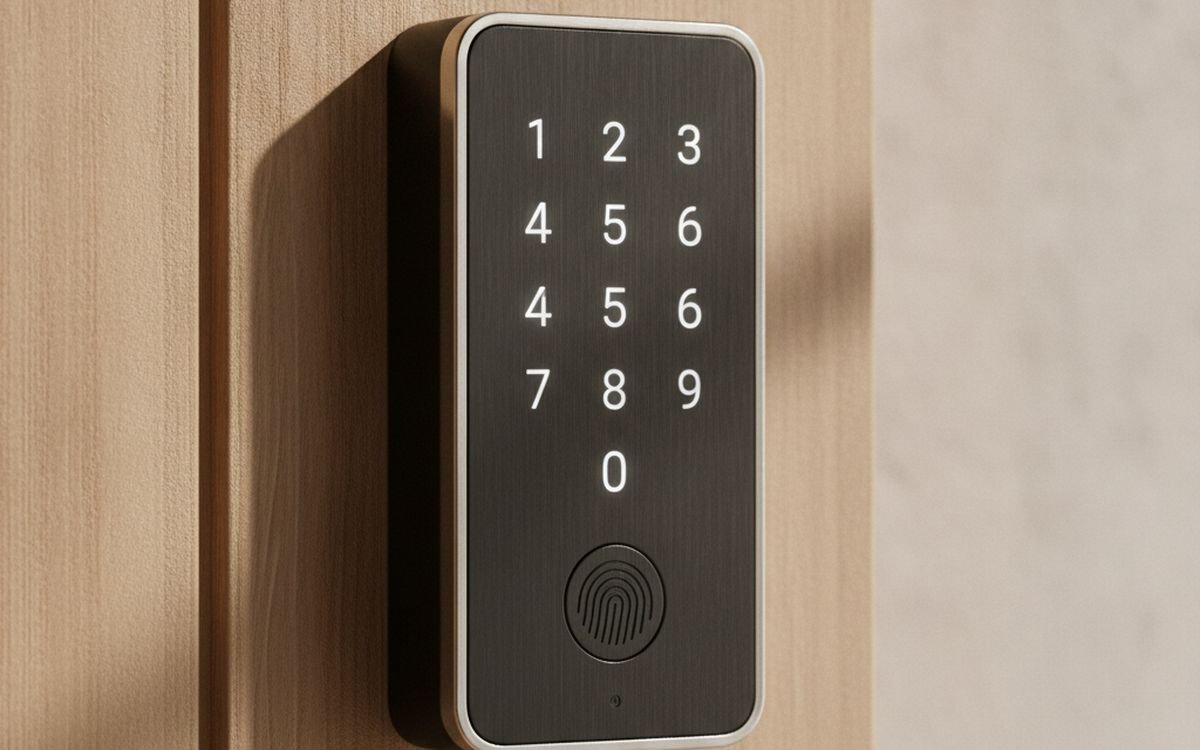
04 · Keypad access, HomeKit supportSchlage Encode Plus
The Schlage Encode Plus is a smart deadbolt offering multiple convenient ways to unlock your door. You can use a traditional physical key, a touchscreen keypad to enter codes, or leverage Apple HomeKit via NFC with your Apple Watch or iPhone. This lock connects over standard Wi-Fi, enabling remote control and status checks from anywhere without requiring an additional dedicated hub. For Apple HomeKit users, it also supports Thread, which can improve responsiveness and potentially extend battery life. You can easily create temporary or recurring access codes for guests, family members, or service providers, and receive real-time notifications whenever the lock is engaged or disengaged. While the convenience is clear, this device connects directly to your home network and the internet, which means it carries the inherent risk of network vulnerabilities. Ensuring robust Wi-Fi security is crucial. The battery life is generally good but will require periodic replacement, a minor consideration for the advanced access control it provides.
$250-300Trade-off: Relies on internet connection
Why it is here
- Multiple unlock options
- HomeKit and Thread support
- Remote access control
Worth knowing
- Relies on internet connection
- Battery replacement required
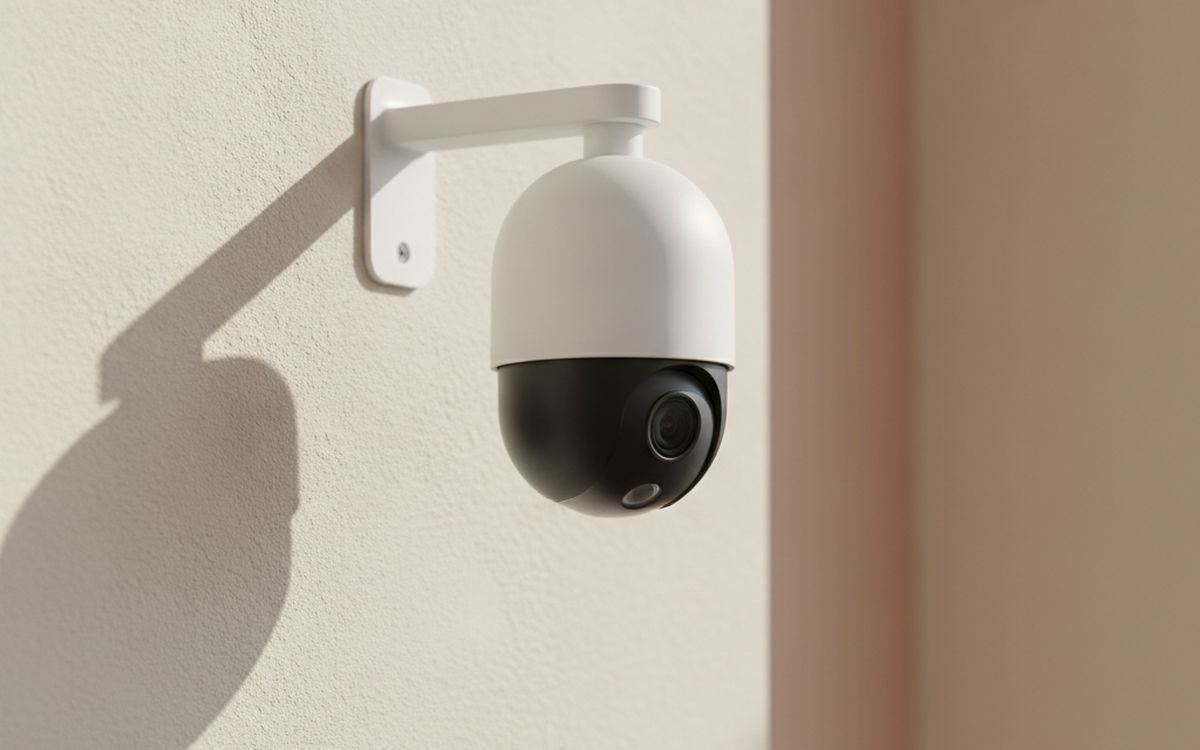
05 · Wire-free outdoor coverageArlo Essential Spotlight Camera
The Arlo Essential Spotlight Camera is a wire-free outdoor security camera that operates on battery power, allowing for straightforward installation in nearly any location around your property. It records 1080p high-definition video, includes a built-in spotlight for enhanced color night vision, and features an integrated siren designed to deter potential intruders. While the convenience of its wire-free design is a significant advantage, Arlo's ecosystem heavily promotes its subscription service. Without an active subscription, you will typically receive live view access, motion alerts, and two-way audio capabilities, but access to recorded video history is often severely limited or entirely unavailable, depending on specific model variations and current Arlo service policies. This means you might only receive a notification of an event, rather than actionable video evidence, unless you commit to a monthly fee. The battery life is generally respectable but will fluctuate considerably based on activity levels, necessitating periodic recharging. It is a capable camera, but prospective buyers should factor in the potential ongoing subscription cost for complete functionality.
$100-130Trade-off: Limited functionality without subscription
Why it is here
- Wire-free installation
- Built-in spotlight and siren
- 1080p video quality
Worth knowing
- Limited functionality without subscription
- Battery requires recharging
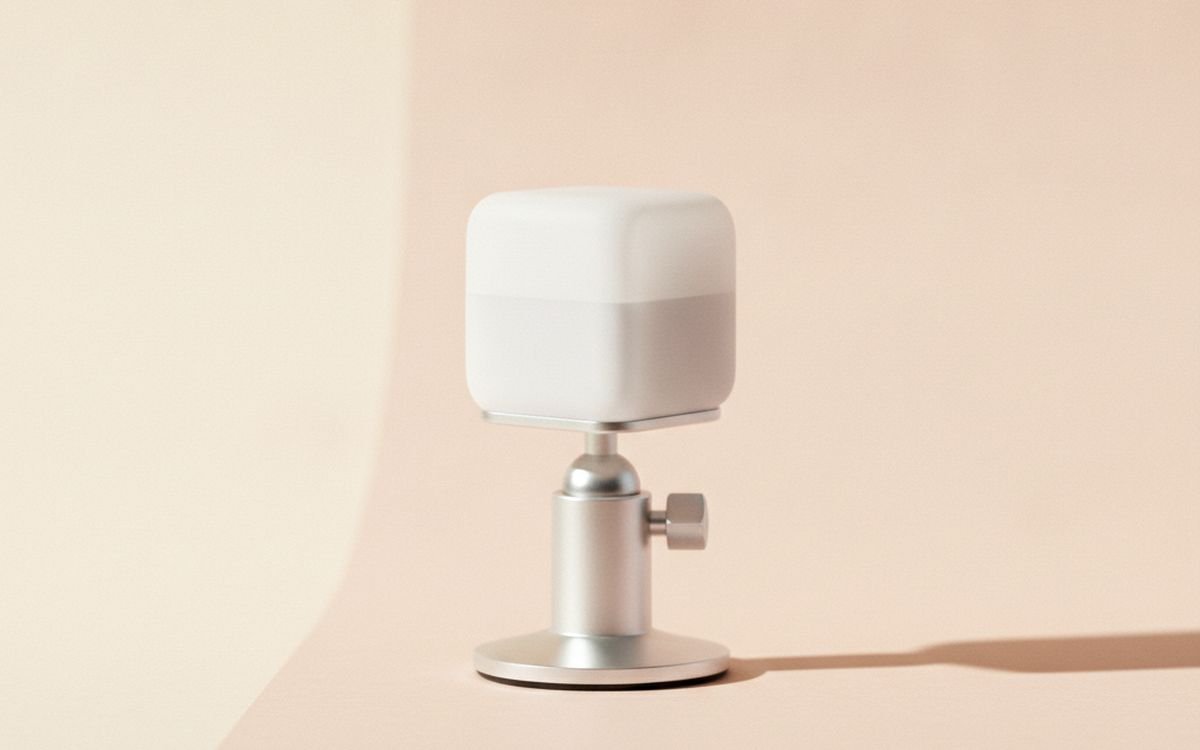
06 · Detect movement reliablyAqara Motion Sensor P1
The Aqara Motion Sensor P1 is a compact, battery-powered device engineered to detect human movement using passive infrared (PIR) technology. This sensor serves as a critical component for various security automations, such as triggering alarms, initiating video recording on compatible cameras, or automatically activating lights when motion is detected within a designated area. The P1 model offers adjustable detection sensitivity, allowing you to fine-tune its responsiveness, and a configurable detection interval, which helps to minimize nuisance false alarms. Similar to other Aqara Zigbee devices, it necessitates an Aqara hub for operation. This hub enables local processing of automation rules, a significant reliability advantage as your security automations can continue to function even if your internet connection experiences an outage, unlike many cloud-dependent sensors. It boasts a notably long battery life, often extending for several years before a replacement is needed. Careful placement is advisable to prevent unintended triggers from pets or movement outside its intended monitoring zone.
$25-40Trade-off: Requires an Aqara hub
Why it is here
- Adjustable sensitivity
- Local automation with hub
- Long battery life
Worth knowing
- Requires an Aqara hub
- Can be triggered by pets
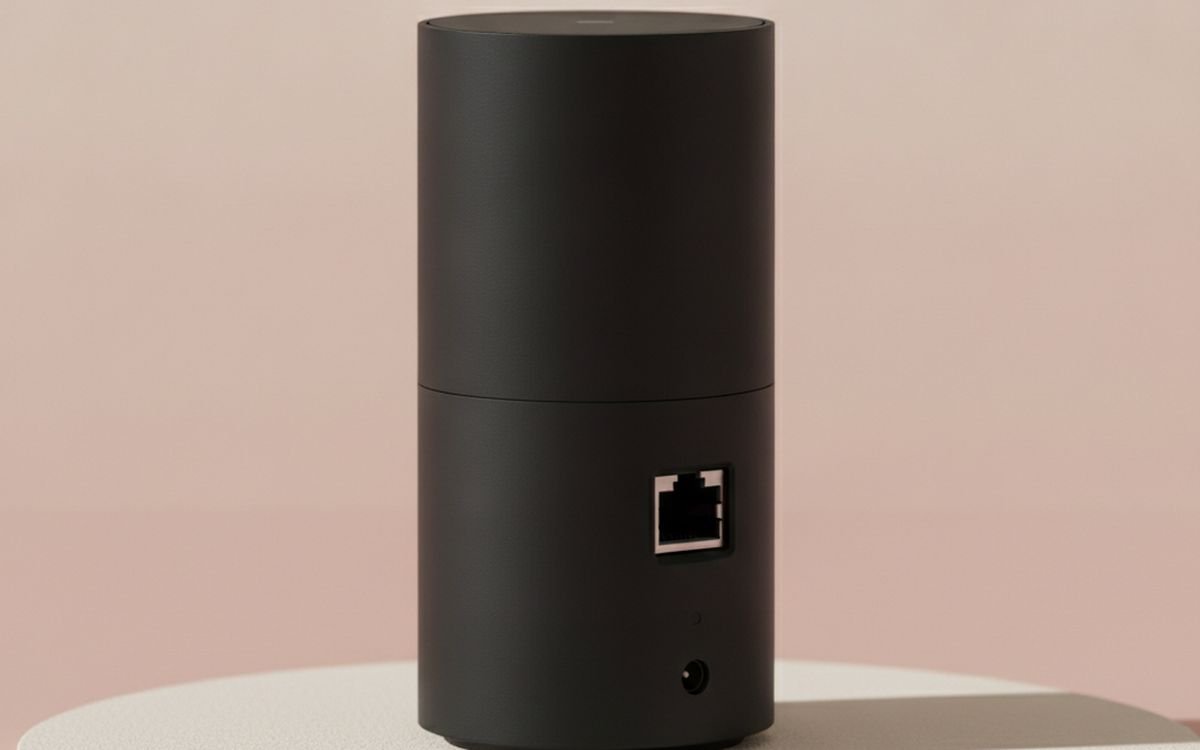
07 · Central security brain, sirenAqara Hub M2
The Aqara Hub M2 serves as the central brain for Aqara's Zigbee devices, connecting them to your home network and the internet. More importantly for security, it includes a powerful built-in siren that can be triggered by connected sensors like door contacts or motion detectors. This means you get an audible alarm without needing a separate device. It also supports IR control, allowing it to integrate with older non-smart devices. The hub enables local automation processing, so your security rules can still function during internet outages, a crucial feature for reliability. While it manages local devices, the app and remote access still rely on Aqara's cloud services, which means your device data is still transmitted. However, its ability to run automations locally is a key advantage for immediate security responses.
$60-80Trade-off: Requires internet for remote access
Why it is here
- Built-in siren
- Local automation processing
- Connects many sensors
Worth knowing
- Requires internet for remote access
- Initial setup can be complex
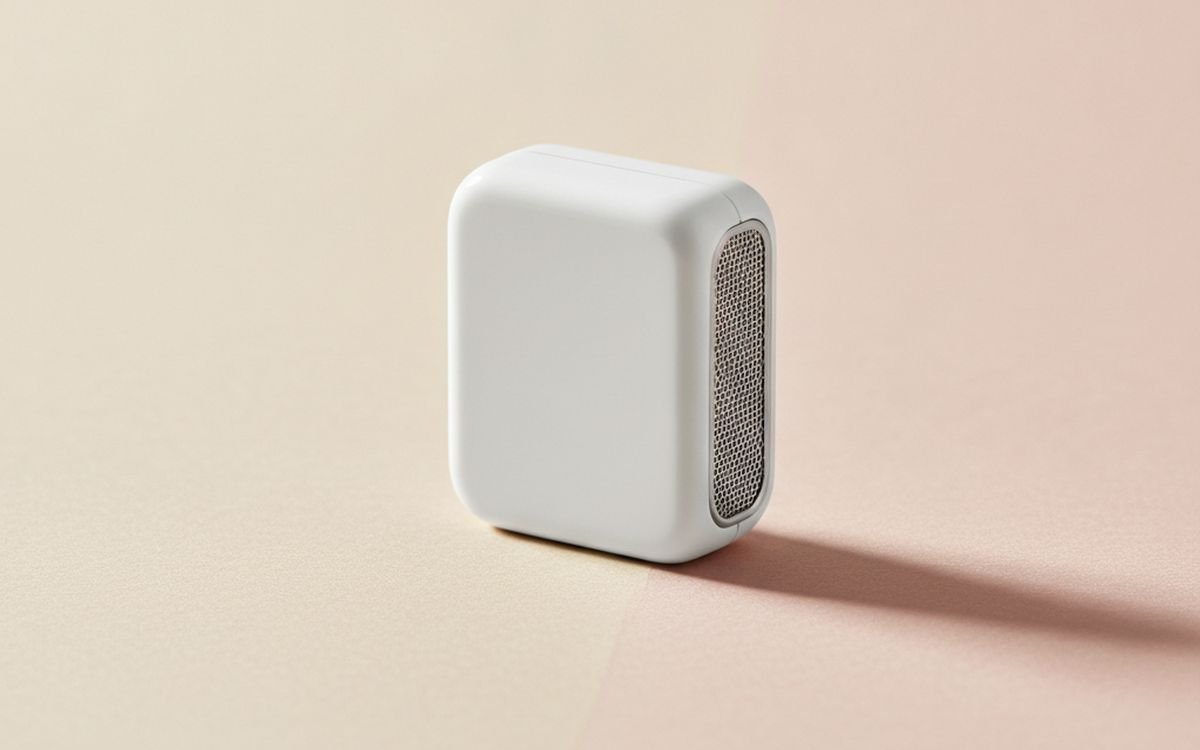
08 · Detect broken windowsSimpliSafe Glassbreak Sensor
A glass break sensor detects the specific acoustic frequencies associated with breaking glass, offering a distinct and important layer of security that complements standard door and window contact sensors. This SimpliSafe sensor is designed to cover a wide area, often meaning a single sensor can effectively monitor multiple windows within a given room. It utilizes sophisticated audio analysis to distinguish between the actual sound of breaking glass and other common loud noises, which aims to significantly reduce the incidence of false alarms. This type of sensor is particularly useful for securing windows that are not easily fitted with contact sensors, or as a deterrent against entry attempts through smashed glass. However, it requires a SimpliSafe system and its proprietary base station to operate, meaning it is not a standalone device and commits you to that specific security ecosystem. Its overall effectiveness is highly dependent on proper placement, ensuring there are no significant obstructions that could muffle the sound of breaking glass.
$40-60Trade-off: Requires SimpliSafe system
Why it is here
- Wide area coverage
- Detects entry via smashed glass
- Reduces false alarms
Worth knowing
- Requires SimpliSafe system
- Placement is critical for effectiveness
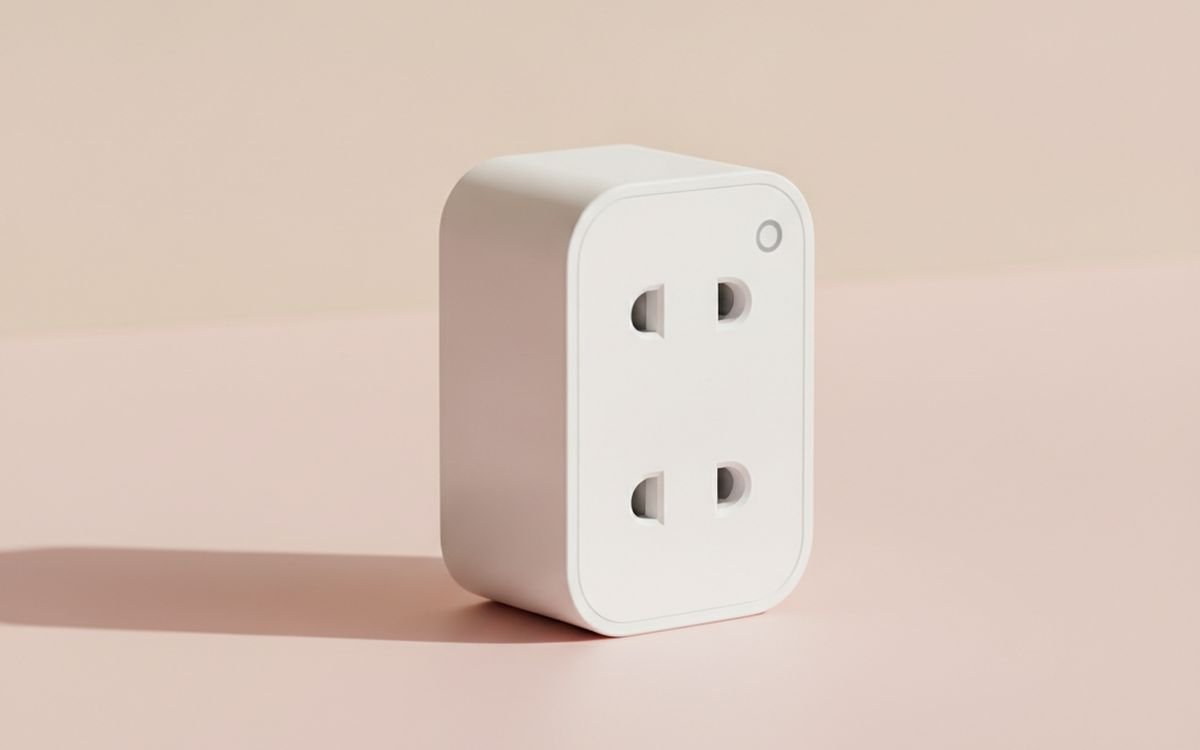
09 · Automate lights for deterrenceTP-Link Kasa Smart Wi-Fi Plug Mini
The TP-Link Kasa Smart Wi-Fi Plug Mini allows you to turn any standard lamp or appliance into a smart device, controllable remotely or through schedules. While not a security sensor itself, it is a key component for creating effective visual deterrence. Automating lights to turn on and off when you are away can make your home appear occupied, a simple yet powerful psychological deterrent against opportunistic intruders. It connects directly to your Wi-Fi, requiring no separate hub. You can integrate it with motion sensors or security cameras through platforms like IFTTT or some smart home ecosystems to trigger lights when activity is detected. Its small size means it does not block adjacent outlets. However, its effectiveness as a security tool depends entirely on your existing lighting and how thoughtfully you set up automations.
$15-25Trade-off: Requires internet for remote control
Why it is here
- No hub required
- Compact design
- Simple to automate lights
Worth knowing
- Requires internet for remote control
- Limited to on/off control
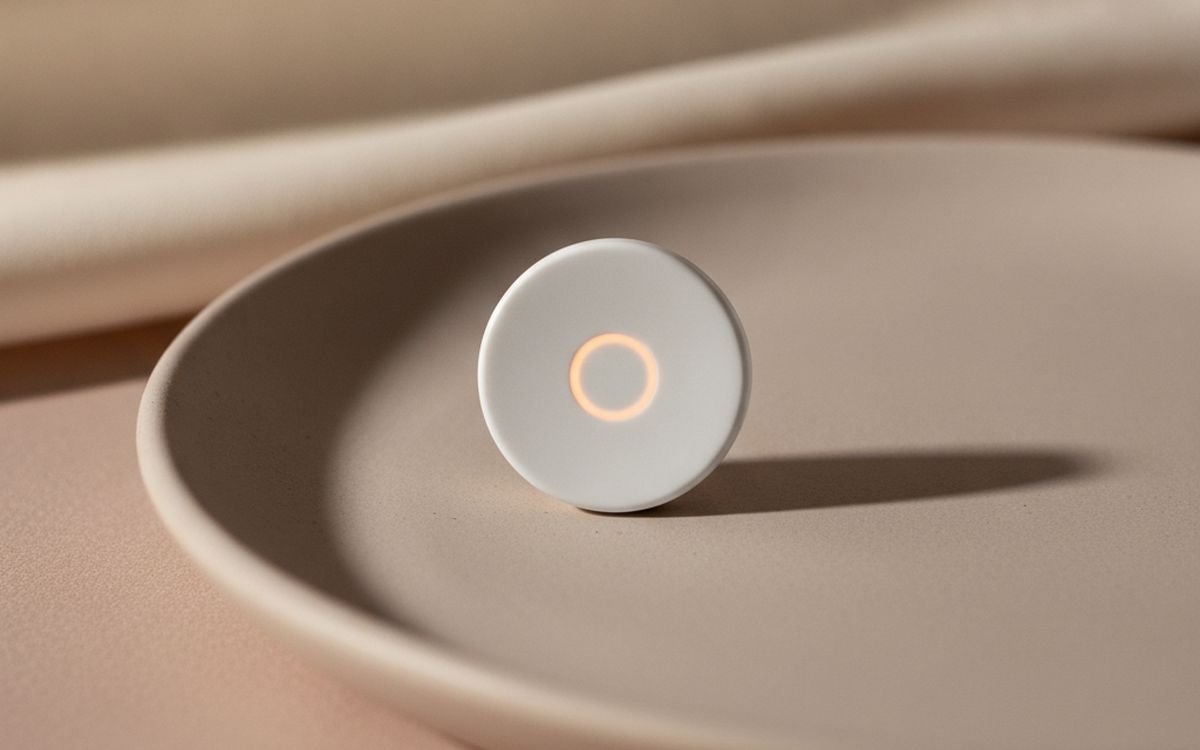
10 · Programmable panic buttonAqara Wireless Mini Switch
The Aqara Wireless Mini Switch is a small, battery-powered button that can be programmed for various smart home actions. In a security context, it can serve as a discreet panic button. Placed strategically, a single press or a double press could immediately trigger a loud siren (if connected to an Aqara hub), send urgent notifications to family members, or activate all lights in the house. This provides a quick, physical way to initiate an emergency response without needing to locate a phone or unlock an app. Like other Aqara Zigbee devices, it requires an Aqara hub to function, processing commands locally for rapid response. Its small size means it is easy to hide or keep accessible. However, its usefulness is entirely dependent on how robustly you configure its actions within your smart home system.
$15-25Trade-off: Requires an Aqara hub
Why it is here
- Discreet and portable
- Customizable actions
- Local processing with hub
Worth knowing
- Requires an Aqara hub
- Limited functionality without configuration
Common questions
Do I really need a subscription for home security?
Many home security devices, especially cameras and video doorbells, are designed to push you towards a monthly subscription. While some core features like live viewing and basic notifications might be free, things like recorded video history, advanced AI detection, and professional monitoring are often paywalled. Before buying, check what features are truly free. If you want to avoid recurring costs, prioritize devices with local storage options, like microSD card slots or local hubs. These solutions can offer significant functionality without a perpetual bill, though they may require more self-management.
How much should I worry about privacy with smart cameras?
You should worry about privacy quite a bit with smart cameras, especially those that store footage in the cloud. Your video data is often uploaded to company servers, where it could theoretically be accessed by employees, law enforcement with a warrant, or even targeted by hackers. Some companies have better security and privacy records than others. To minimize risk, look for cameras that offer local storage options and encrypt data both in transit and at rest. Consider whether an indoor camera is truly necessary, and if so, place it carefully to avoid capturing unnecessary or sensitive areas.
Is professional monitoring worth the extra cost?
Professional monitoring means a third-party service is alerted when your alarm triggers, and they then contact emergency services. For some, this peace of mind is worth the monthly fee, especially if you travel frequently or live alone. However, many false alarms occur, and response times can vary. For most people, a self-monitored system that sends alerts directly to your phone is sufficient. You can then decide if police or a neighbor needs to be contacted. Do not feel pressured into professional monitoring if you are capable of responding to alerts yourself. It is an added convenience, not always a necessity.
Can smart locks be hacked, and are they safe?
Any device connected to the internet carries some risk. Smart locks can theoretically be vulnerable to hacking, though sophisticated attacks are rare for most residential users. More common risks include weak Wi-Fi passwords, lost phones with app access, or shared access codes not properly revoked. To improve safety, use strong, unique passwords for your Wi-Fi and smart home accounts. Enable two-factor authentication where available. Choose locks from reputable brands that regularly update their firmware. For most homes, the convenience and features of a smart lock outweigh the marginal increase in risk compared to traditional locks, provided you practice good digital security habits.
Today's deals
See what is discounted right now.
Deals →← All guides
As an AliExpress affiliate we earn from qualifying purchases. Prices and availability are accurate as of the date of publication and may change.